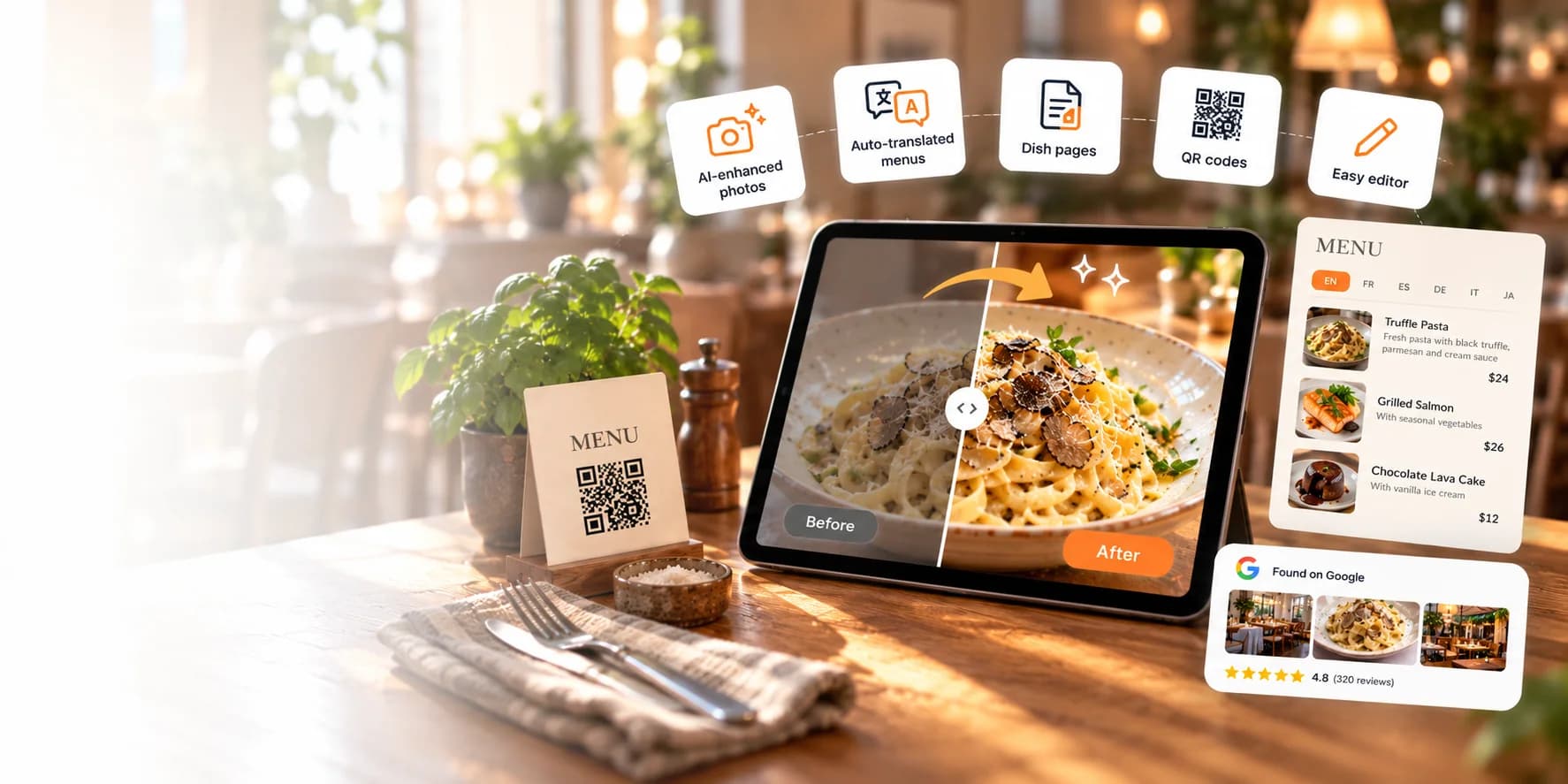
Powerful features for every menu
AI photo studio, automatic translation, dish pages Google can find, QR codes and an editor that keeps your menu up to date.
- AI-enhanced photos
- Auto-translated menus
- Found on Google
From a quick phone snap to a menu-ready photo
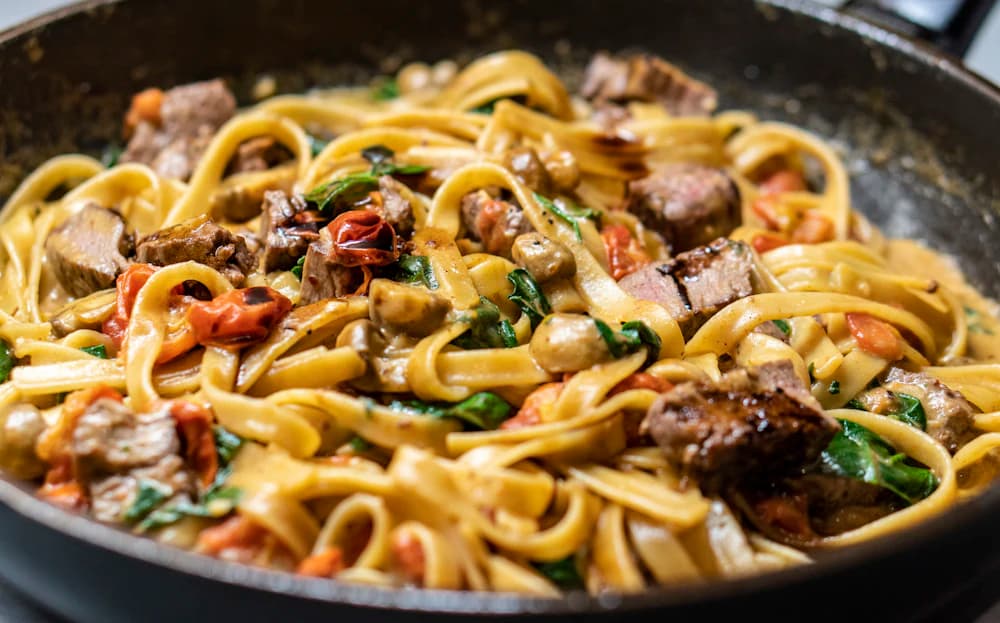
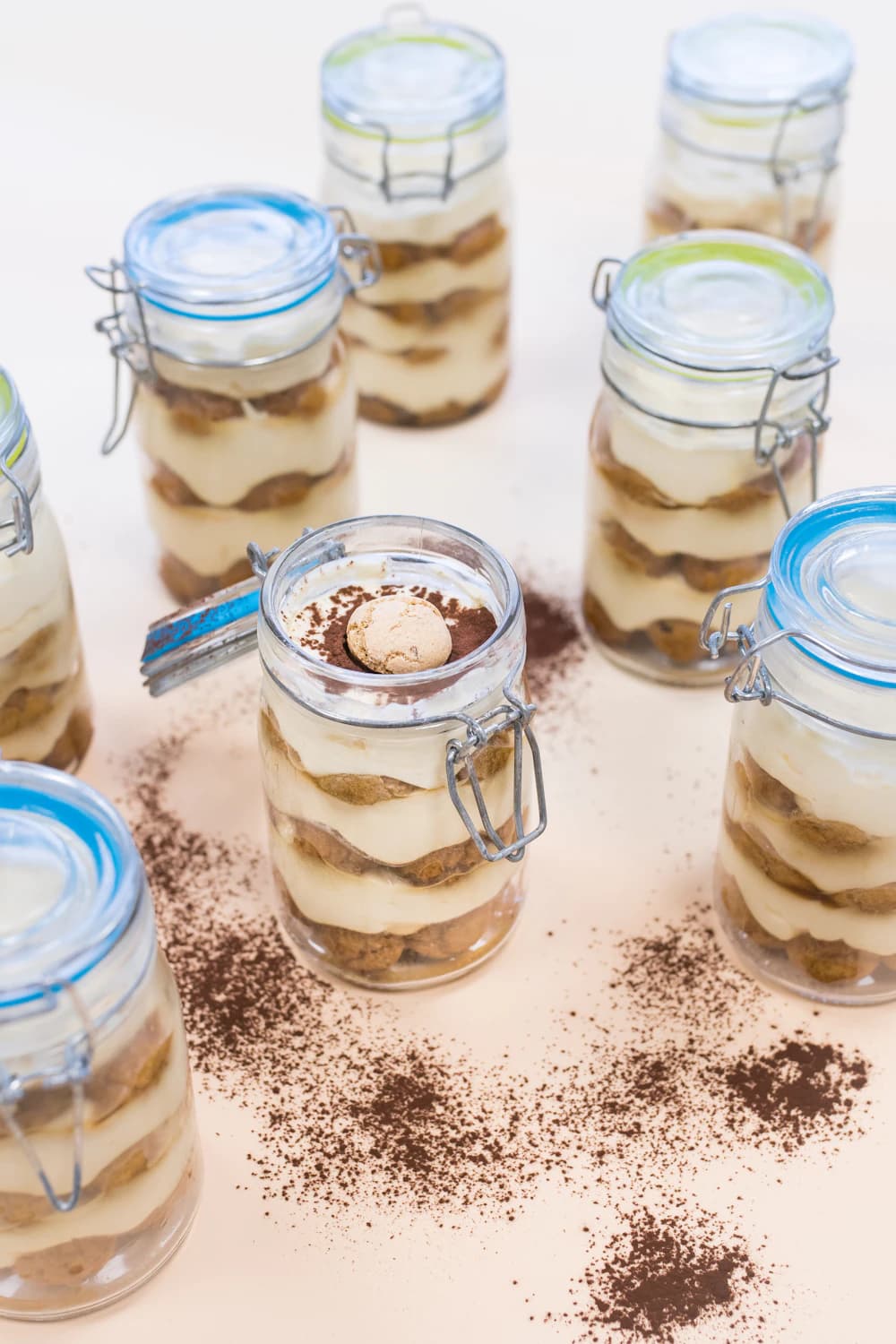
No photographer, no studio. Upload the photo you already have and Orion's AI turns it into a professional menu shot in seconds.
- The dish stays exactly as you serve it: AI fixes light, colour and background, never the food
- 7 styles: clean studio, classic menu, close-up, top view, warm bistro and more
- You approve every photo before guests see it
- Your original is kept, so you can switch back any time
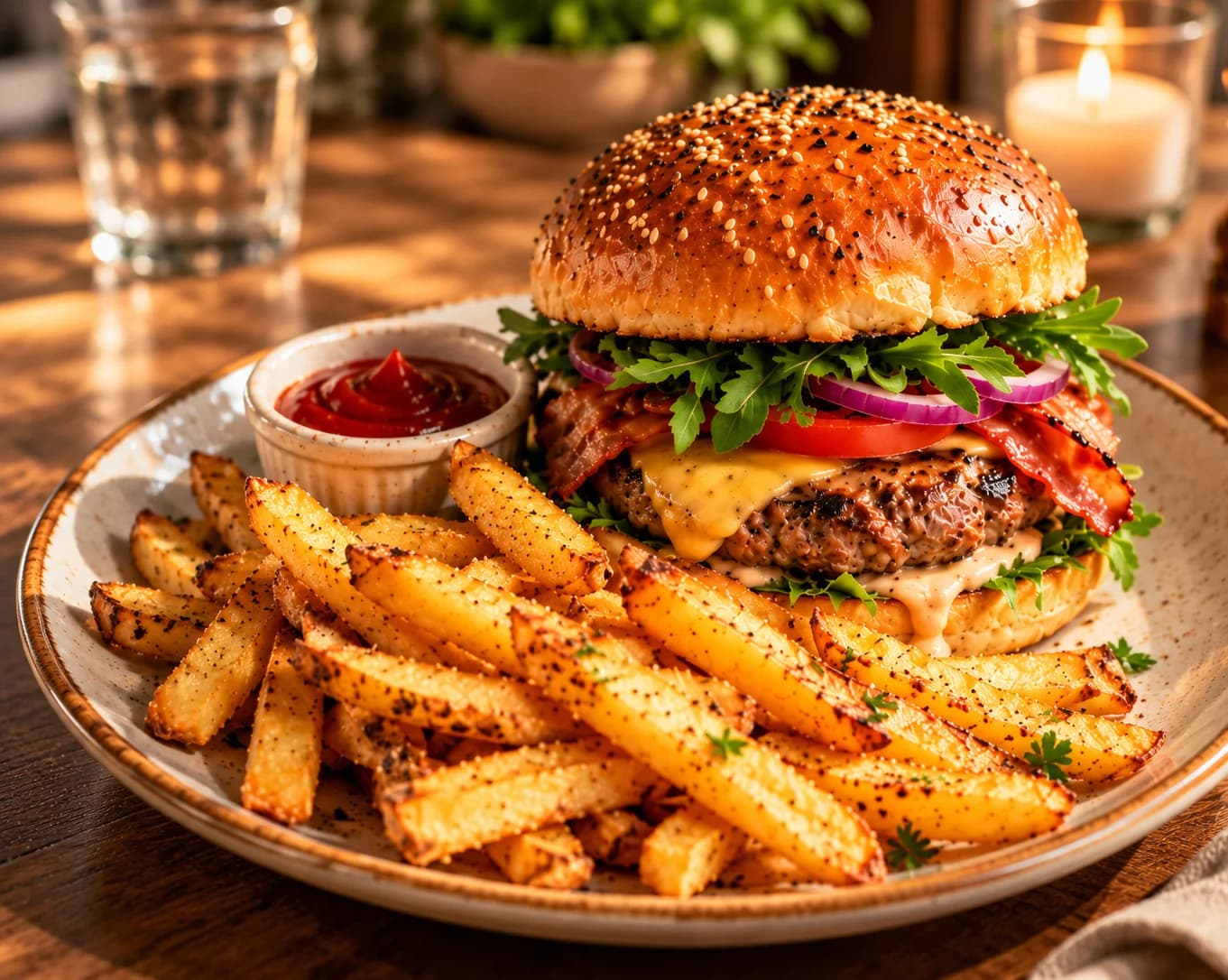
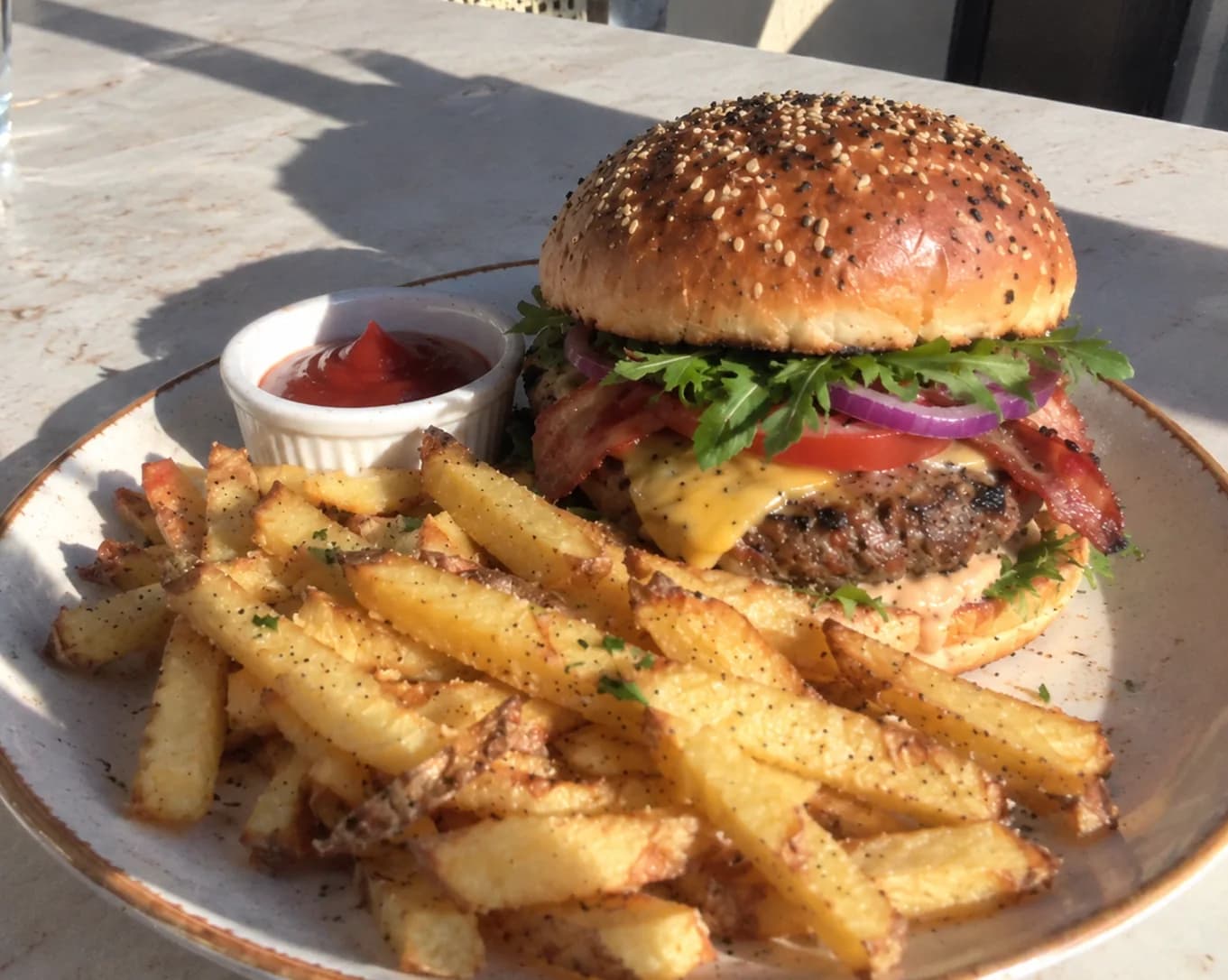
Example: a quick phone photo and its menu-ready version. Drag to compare.
One menu that every guest can read
Write your dishes once, in your own language. Orion translates names, descriptions and ingredients, and every guest reads the menu in the language they choose.
- Translated automatically, nothing to copy and paste
- Dishes, ingredients, allergens and categories
- Guests switch the language in one tap
- 12 languages, from English and Spanish to Arabic and Chinese
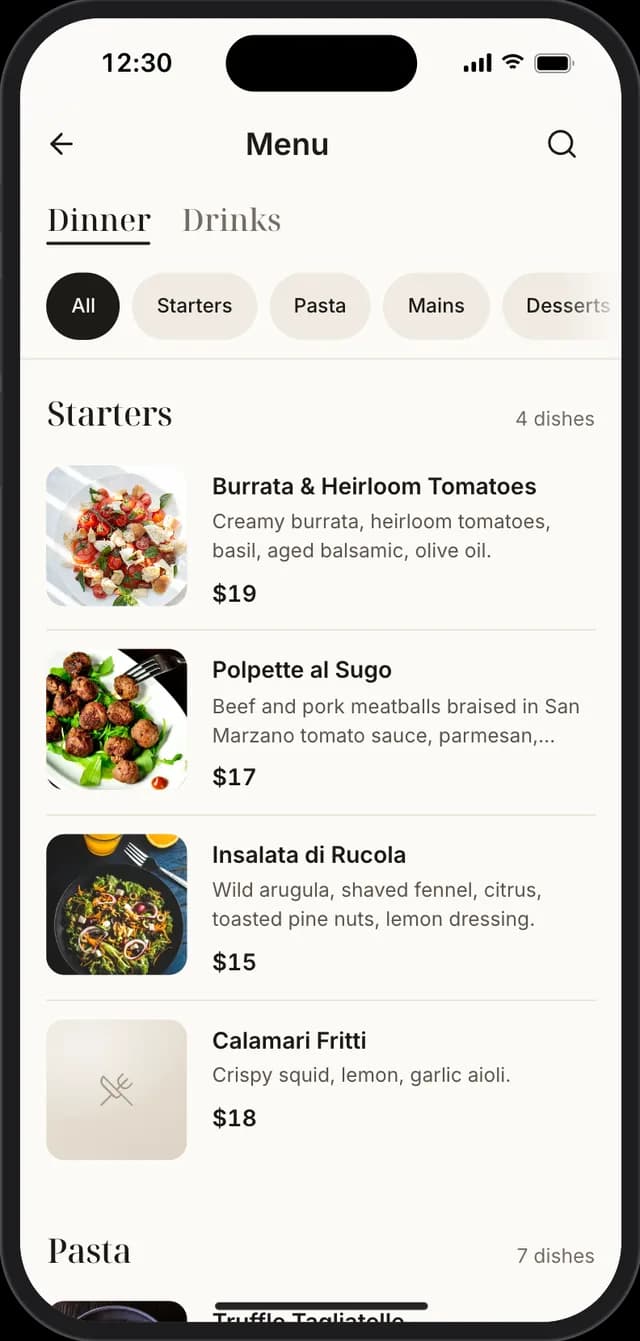
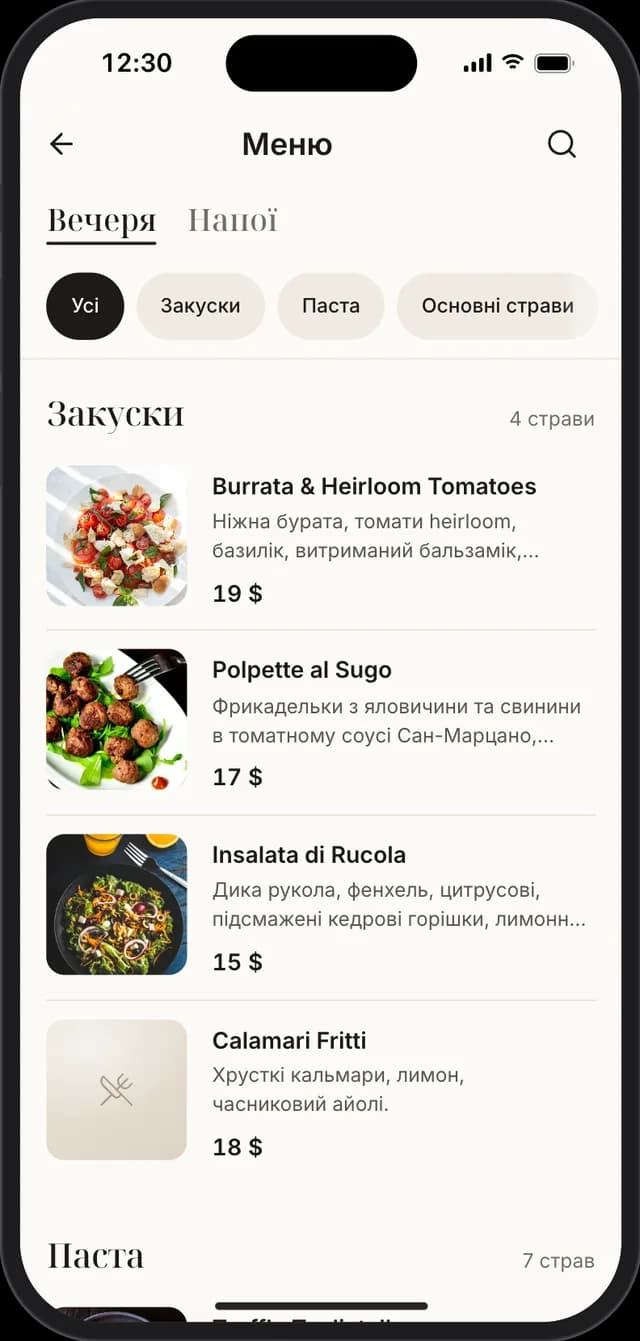
Guests find you by the dish, not only your name
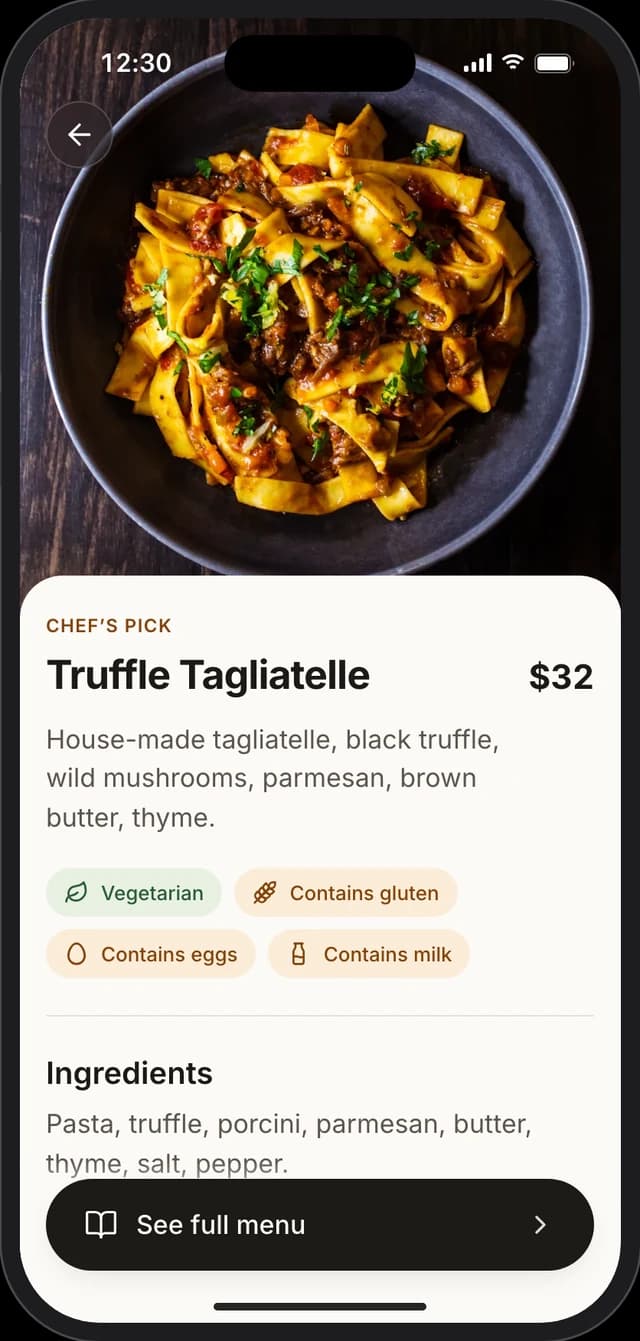
Every restaurant, menu and dish gets its own fast page that search engines understand. Someone searching for “truffle tagliatelle” can land right on your dish.
- A page for every dish, in every language
- Prices, photos, hours and address in a format search engines read
- Fast pages that look great on any phone

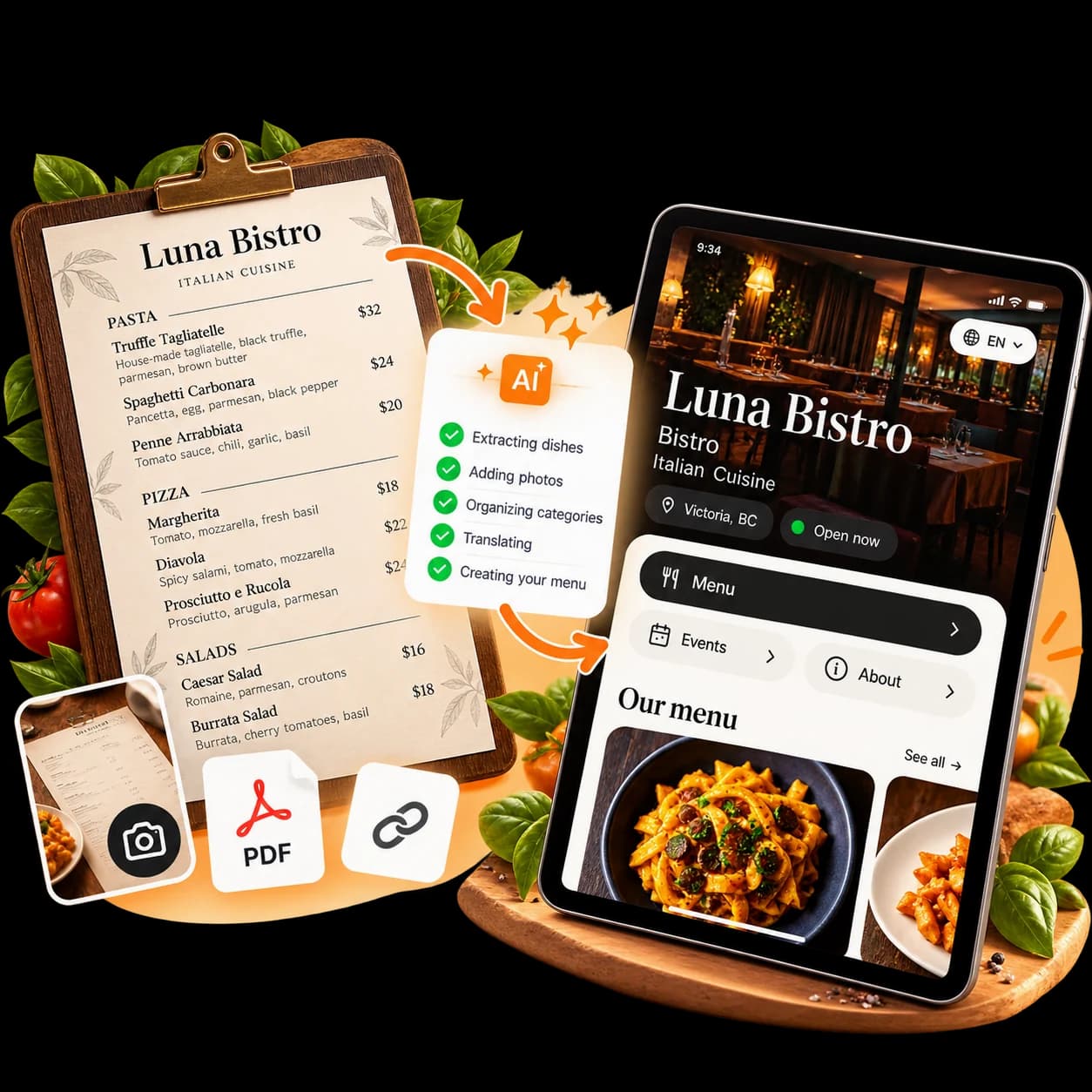
Have a paper menu? We'll build it for you
Send us a photo of your menu, a PDF or a link to your website. Our team turns it into a digital menu, ready for you to check and publish.
- 1Send your menuA photo, a PDF or a link: whatever you have.
- 2We build itDishes, prices, categories and descriptions, translated for your guests.
- 3You publishCheck it, add AI photos and share your QR code.
Already with Orion? Send us your menu through Support in your dashboard.
Print it once. Update it forever.
Download a print-ready QR code for tables, windows and flyers. Change your menu as often as you like: the code always opens the latest version.
- PNG and SVG files, ready for print
- A public link to share on social media and maps
- Guests open it with the phone camera, no app needed
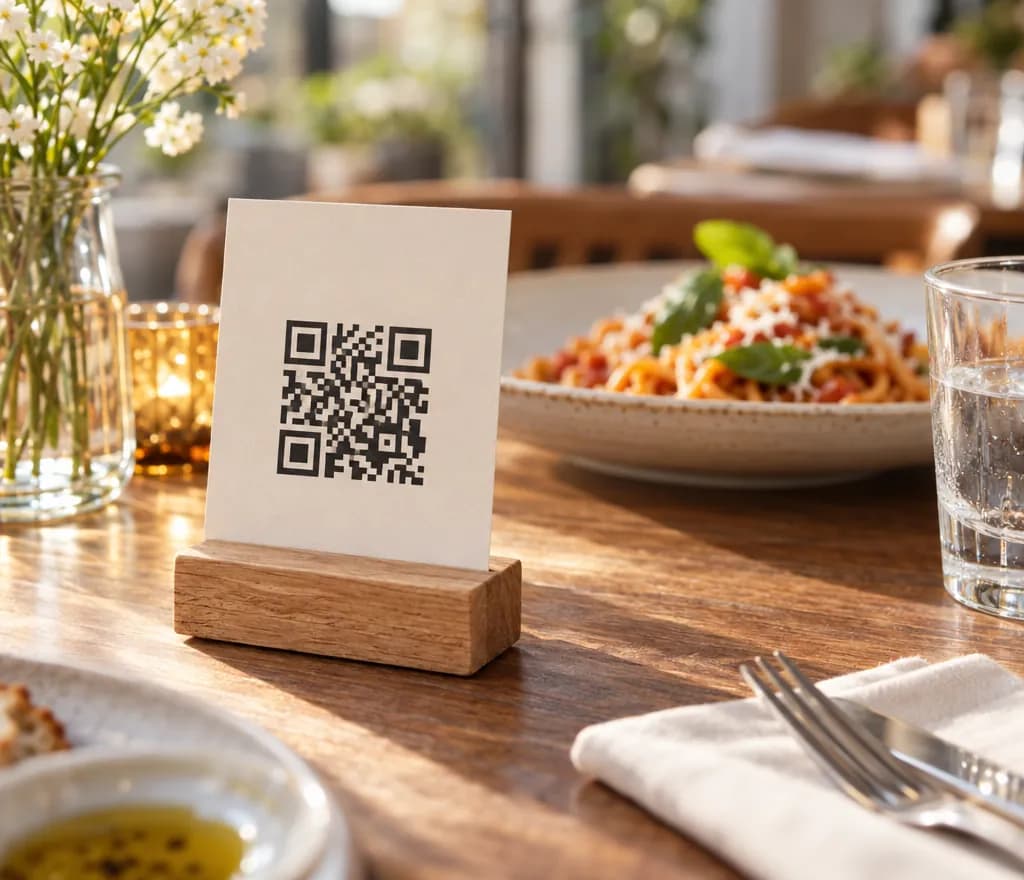 Scan to open the demoPoint your phone camera at the code
Every detail guests care about, in one place
A simple editor for the things that make guests order.
- Several menus: lunch, dinner, drinks
- Categories in the order you like
- Mark dishes as sold out
- Allergens, vegetarian and vegan
- Drinks with volume and strength
- Several photos for each dish
- Restaurant page with hours, map and contacts
- A button for your table booking
- Events with dates and photos
Turn special nights into full tables
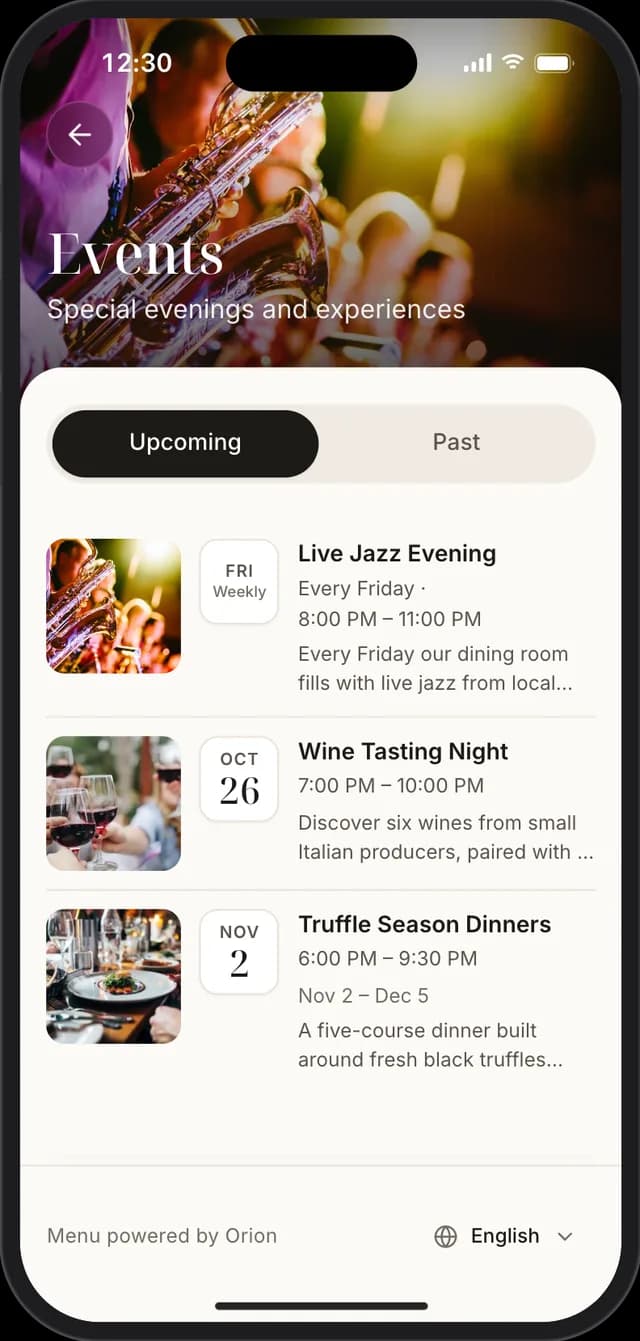
Announce jazz evenings, tastings and seasonal dinners where guests already look: next to your menu. Add the dates, photos and a description, and Orion takes care of the rest.
- One date, several dates, a date range or every week
- Upcoming events on your home page; past ones move aside on their own
- A page for every event, easy to share and read by search engines
- Translated into your guests’ languages, like your menu
- Photos, times and a description for every event
Hear from every guest, right on your menu
Guests rate your restaurant and its dishes on the page they already have open. You read and answer every review in Orion.
- Guests rate the restaurant and every dish, no app or account needed
- Star ratings on your page, on the menu and on each dish
- New reviews show up in your dashboard; reply in a click
- Off until you turn it on; your reviews are kept if you switch it off
- Spam is filtered, and suspicious reviews wait for your approval
- A “Review us on Google” button for every guest
Coming soon to Orion
We're building the next tools for your restaurant. They'll appear in your dashboard as soon as they're ready.
Table ordering
Guests order from their phone and the kitchen gets it right away.
Guest–waiter chat
Guests message the staff serving their table.
Staff schedules
Plan shifts and see who's working when.
Analytics
See your most viewed dishes and busiest hours.